Photoroom vs Canva
Photoroom and Canva appear together in 15 of our comparisons. Below is what each of those comparisons found for both, side by side, from each vendor’s own pages on the date given in the post.
At a glance
“Most often” means the value most of the 15 comparisons give; each comparison below has its own.
Photoroom vs Canva, job by job
-
Best AI Tools to Create Product Ad Banners with Text and Price (2026): Canva vs Photta vs Adobe Express vs Creatopy vs Photoroom
- Best for
- Photoroom: Words added to a cleaned-up photo
Canva: Banners you design and word yourself - How text and price get on the image
- Photoroom: You type the words with its text tools
Canva: You type headline and price in a template - Starts from
- Photoroom: Price varies by region
Canva: Free; Pro $18 a month
-
Best AI Ad Generators for Ecommerce Product Ads (2026): Creatify vs Photta vs AdCreative.ai vs Pencil vs Canva
- Best for
- Photoroom: Video ads from several product photos
Canva: Designing your own ads on a free plan - What goes in
- Photoroom: One to six product photos, then a few answers or Auto
Canva: An ad template plus your photo, logo and typed text - Starts from
- Photoroom: Price varies by region
Canva: $18 a month (Pro)
-
Best AI Content Creation Tools for Brand Images, Videos and Social Posts (2026): Canva vs Photta vs Adobe Express vs CapCut vs Runway
- Best for
- Photoroom: Product images and short video ads
Canva: Branded designs and a planner - What it creates
- Photoroom: Edited product photos; video ads from up to 6 photos
Canva: Designs, video, AI images; Brand Kits - Starts from
- Photoroom: Price varies by region
Canva: $18 a month (Pro)
-

Best AI Product Photography Tools for Amazon (2026): Photoroom vs Photta vs Canva vs Adobe Firefly
- Best for
- Photoroom: Batches of real photos on exact white
Canva: Bulk background removal on a paid plan - Main image on pure white?
- Photoroom: Yes, RGB 255,255,255; only the background swapped
Canva: Not stated on the pricing page - Starts from
- Photoroom: $12.99 a month
Canva: US$144 a year
-
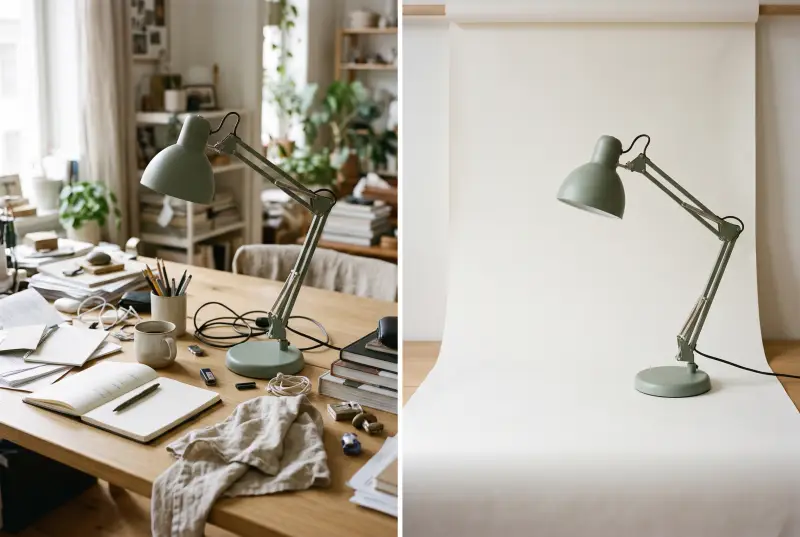
Best AI Image Background Remover Tools for Product Photos (2026): Photoroom vs Photta vs remove.bg vs Canva vs Adobe Express
- Best for
- Photoroom: Transparent or white cut-outs, in batches
Canva: Sellers who already design in Canva - Batch and free download limits
- Photoroom: 250 at once; free size not stated
Canva: Bulk per remove.bg; remover on Pro - Starts from
- Photoroom: $12.99 a month
Canva: US$144 a year
-

Best AI Product Photography Tools for Cosmetics and Skincare (2026): Photoroom vs Photta vs Flair vs Pebblely vs Canva
- Best for
- Photoroom: Batches of real photos on exact white
Canva: Sellers who already design in Canva - What happens to the label
- Photoroom: Kept on white; staging generated
Canva: Not stated on the pages read - Starts from
- Photoroom: $12.99 a month
Canva: US$144 a year
-
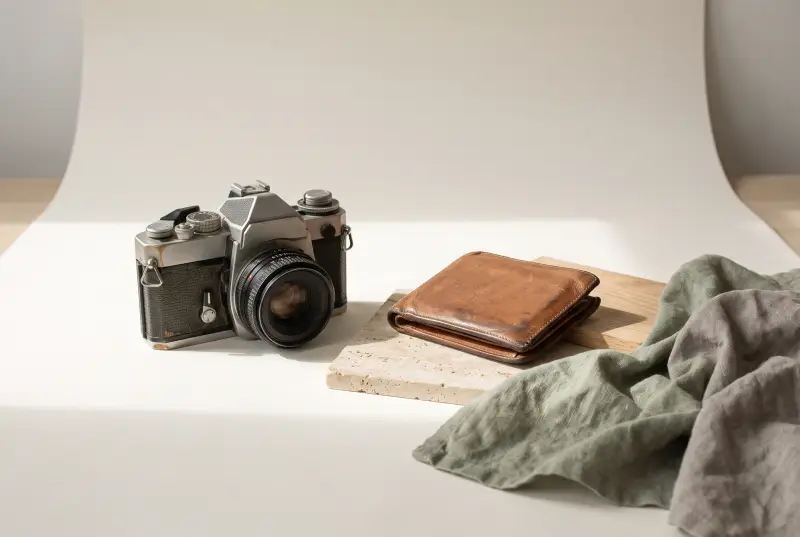
Best AI Product Photography Tools for eBay Sellers (2026): Photoroom vs Photta vs Pixelcut vs Canva
- Best for
- Photoroom: Exact white across a catalog
Canva: Sellers who already design in Canva - What the tool does to the photo
- Photoroom: Swaps background; staging tool generates
Canva: Cuts out in bulk; can prompt a new scene - Starts from
- Photoroom: $12.99 a month
Canva: US$144 a year
-
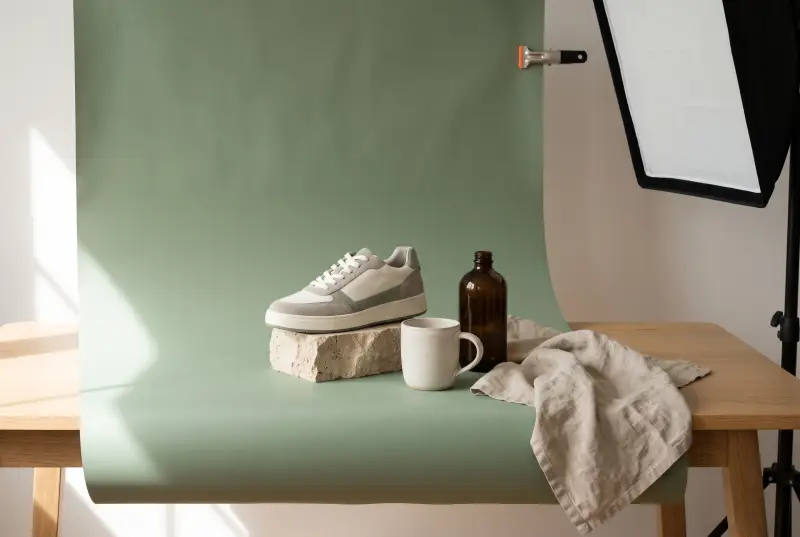
Best AI Product Photography Tools for Ecommerce (2026): Photoroom vs Photta vs Pebblely vs Flair
- Best for
- Photoroom: Batches of real photos on exact white
Canva: Bulk background removal in a design tool - What happens to the product
- Photoroom: Kept on White Background; Staging generated
Canva: Not stated on its pricing page - Starts from
- Photoroom: $12.99 a month
Canva: US$144 a year
-

Best AI Product Photography Tools for Etsy (2026): Photoroom vs Photta vs Canva vs Pebblely
- Best for
- Photoroom: Batches of real photos on exact white
Canva: Mockups and background edits in one editor - What happens to your item
- Photoroom: Kept on White Background; scenes generated
Canva: Not stated on its pricing page - Starts from
- Photoroom: $12.99 a month
Canva: US$144 a year
-
Best AI Tools to Turn Product Photos into Facebook and Instagram Ads (2026): Canva vs Photta vs Photoroom vs AdCreative.ai vs Creatify
- Best for
- Photoroom: Photo clean-up plus Meta video ads
Canva: Designing Meta ads by hand, free - Meta ad sizes
- Photoroom: Video ads in 9:16 and 16:9
Canva: Feed 1200 x 628, carousel 600 x 600, story about 1080 x 920 - Starts from
- Photoroom: Price varies by region
Canva: $18 a month (Pro)
-
Best Free AI Ad Makers for Small Ecommerce Stores (2026): Canva vs Photta vs Adobe Express vs Predis.ai vs CapCut
- Best for
- Photoroom: Stores already editing in Photoroom
Canva: Templates you fill in yourself - Free plan or trial
- Photoroom: Free trial on Pro and Max
Canva: Free plan at $0, open to anyone - Starts from
- Photoroom: Price varies by region
Canva: Free; Pro $18 a month
-

Best AI Product Photography Tools for Jewelry (2026): Photoroom vs Photta vs Pebblely vs Flair
- Best for
- Photoroom: White backgrounds across a collection
Canva: Background removal in a design tool - What happens to your piece
- Photoroom: Kept on white; staging is generated
Canva: Not stated; jewelry not named - Starts from
- Photoroom: $12.99 a month
Canva: US$144 a year
-

Best AI Product Photography Tools to Replace Backgrounds (2026): Photoroom vs Photta vs Adobe Firefly vs Canva
- Best for
- Photoroom: Exact white or prompted scenes, in batches
Canva: A prompted backdrop on a Canva plan - What happens to your product
- Photoroom: White Background swaps only the background
Canva: Not stated on its pricing page - Starts from
- Photoroom: $12.99 a month
Canva: US$144 a year
-
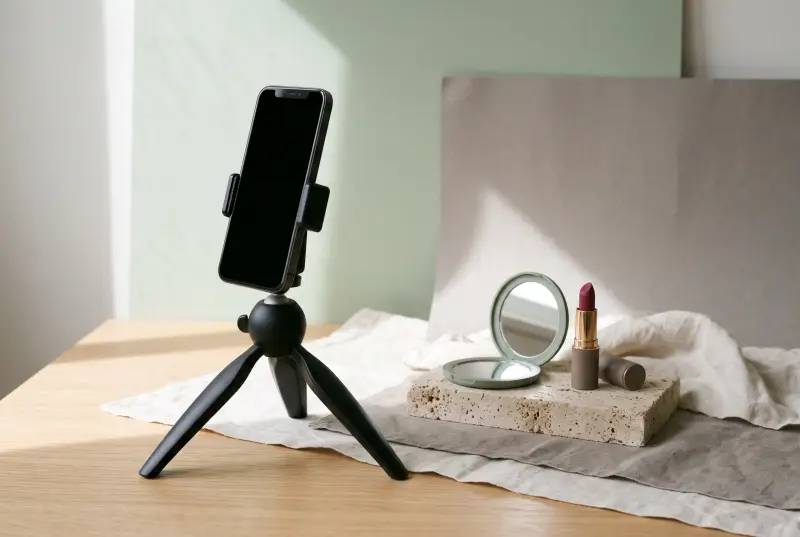
Best AI Product Photography Tools for TikTok Shop Listing Images (2026): Photoroom vs Photta vs Canva vs Pebblely vs Flair
- Best for
- Photoroom: Keeping your own photo, on white
Canva: TikTok videos and cut-outs - What it makes for TikTok Shop
- Photoroom: Exact-white cut-outs, staged scenes, video on Max
Canva: TikTok video templates; background remover - Starts from
- Photoroom: $12.99 a month
Canva: US$144 a year
-

Best AI Product Photography Tools for White Backgrounds (2026): Photoroom vs Photta vs Canva vs Adobe Express
- Best for
- Photoroom: Batches of real photos on exact white
Canva: Background removal inside a design tool - How the white background is made
- Photoroom: Kept; only the background is swapped
Canva: Background remover; white fill not stated - Starts from
- Photoroom: $12.99 a month
Canva: US$144 a year
More on these two tools
- Photoroom’s website: photoroom.com
- Canva’s website: canva.com
- Photoroom: pricing, free start and alternatives
- Canva: pricing, free start and alternatives
- Photoroom alternatives
- Canva alternatives